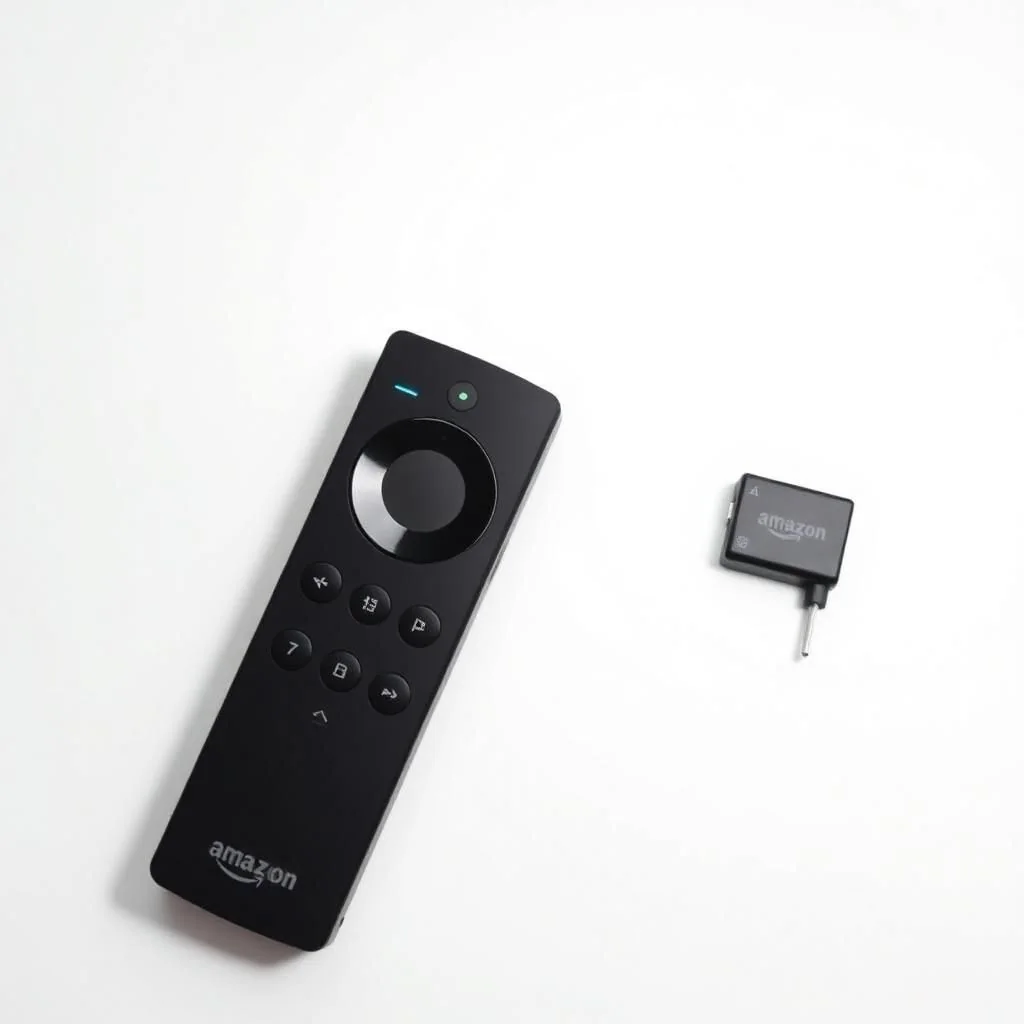
Amazon Fire TV Stick
How to Set Up Bee TV on Fire TV Stick
Step-by-step guide to install and watch Bee TV on Amazon Fire TV Stick. Works with all Fire Stick models.
View Guide →SETUP GUIDES
Easy step-by-step guides for every device. Set up Bee TV in minutes and start watching 24,000+ live channels.
Select your device below to see the full step-by-step Bee TV setup guide.
Amazon Fire TV Stick
Step-by-step guide to install and watch Bee TV on Amazon Fire TV Stick. Works with all Fire Stick models.
View Guide →
Android TV
Install Bee TV on Android TV, Google TV, or any Android-powered smart TV. Watch 24,000+ live channels.
View Guide →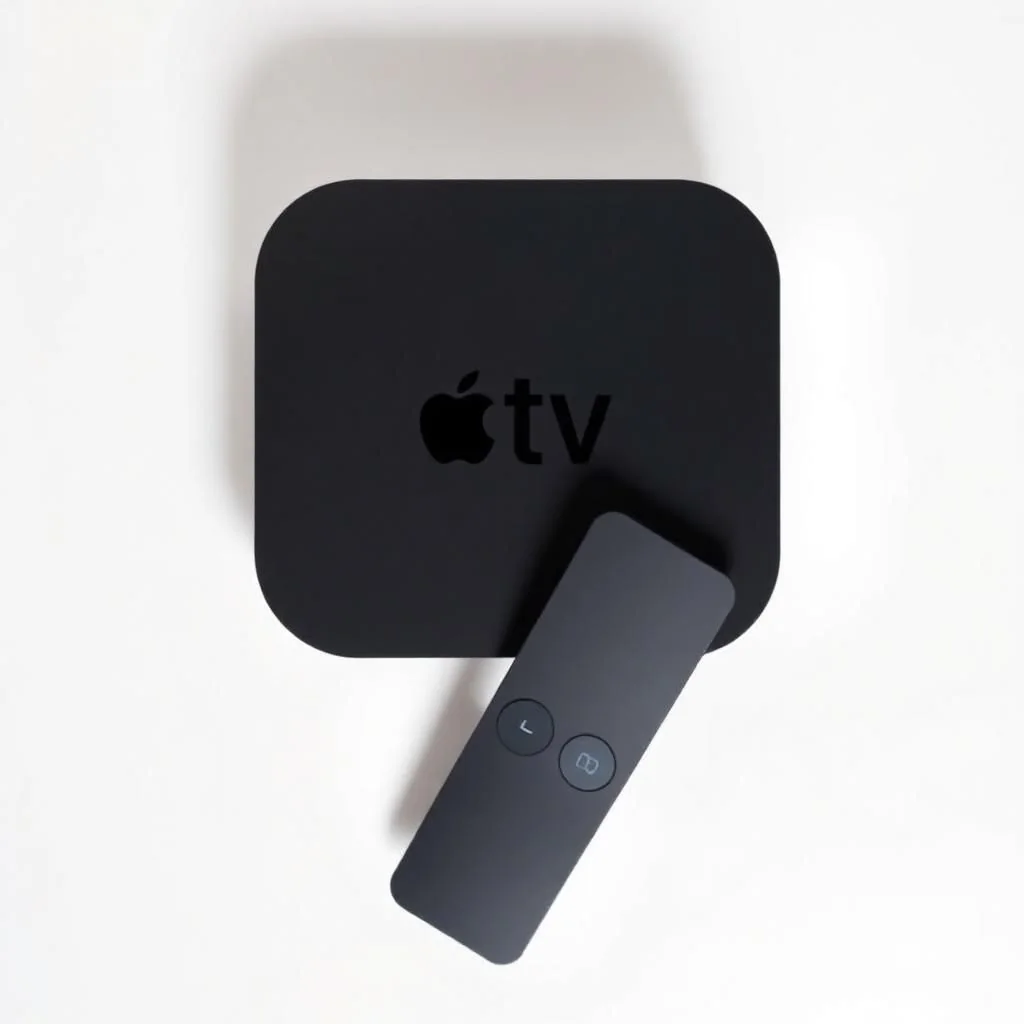
Apple TV
Watch Bee TV on Apple TV 4K or Apple TV HD. Install and stream 24,000+ live channels directly on your TV.
View Guide →
Smart TV
Install Bee TV on Samsung Smart TV, LG Smart TV, Hisense, TCL and other smart TVs. Watch 24,000+ live channels.
View Guide →
TiviMate
Use TiviMate with Bee TV for a premium TV interface. Step-by-step guide to add your playlist and EPG to TiviMate.
View Guide →
Kodi
Watch Bee TV on Kodi using the PVR Simple Client plugin. Full guide to set up live TV channels and EPG on Kodi.
View Guide →Get your Bee TV subscription and start streaming in minutes.
Start Free Trial